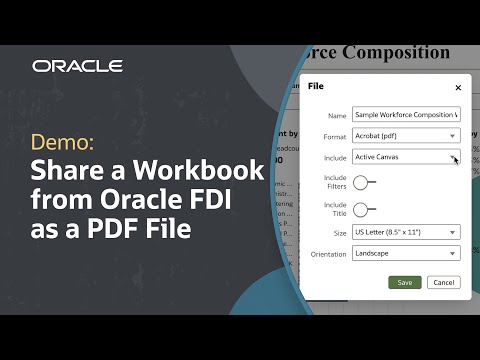
Streamline your workflow and improve collaboration by organizing workbooks into folders in Oracle Fusion AI Data Platform. Learn how to create folders and subfolders, move and manage workbooks, and use My Folders and Shared Folders for efficient catalog management—explore more FAIDP tutorials and resources at the links below.
In this tutorial, you’ll see step-by-step how to set up folders and subfolders in your catalog for quick access and better organization. Learn how to move workbooks individually or in bulk, drag and drop items between folders, and take advantage of user permissions on Shared Folders for team collaboration. With these best practices, you can keep your content organized, simplify navigation, and locate key analysis assets faster. For deeper learning and related resources, check out the links below.
Please note: Oracle Fusion Data Intelligence (FDI) is now called Oracle Fusion AI Data Platform (FAIDP). All content remains the same, only the product name has changed.
Explore a range of training programs in Oracle Analytics and Oracle AI Data Platform designed to boost your skills: https://social.ora.cl/6000hDw7r
Check out detailed information about the catalog: https://social.ora.cl/6005hDwC5
See more detail on how to create a catalog folder: https://social.ora.cl/6008hDwC2
Find out how to move catalog folders and contents: https://social.ora.cl/6009hDwhD
Like what you learned about Oracle Fusion AI Data Platform? Subscribe now https://social.ora.cl/60025k87j
Join us at Oracle AI World: https://social.ora.cl/60035eVvJ
Contact AIDP sales: https://social.ora.cl/6003FLUMT
Learn more about Oracle AIDP: https://social.ora.cl/60047h76Q
Join the Oracle AIDP Community: https://social.ora.cl/60087h7Bj
Follow us here:
LinkedIn: https://social.ora.cl/60035eXuF
X: https://social.ora.cl/6008abVgG
Instagram: https://social.ora.cl/60095eXDN
Facebook: https://social.ora.cl/60065enQp