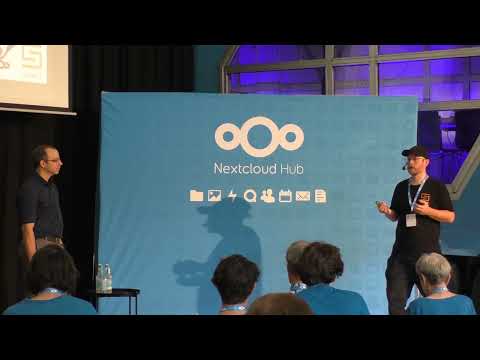
Are you looking for a secure way to share files without giving up data control and personal information?
Nextcloud file sharing helps home users, businesses, and public institutions share files securely while collaborating in real time.
In this video:
• Secure internal and external file sharing
• Real-time collaborative editing
• Granular permissions and access control
• Federated sharing across organizations
• End-to-end and server-side encryption options
• Self-hosted file sharing with full data sovereignty
Are you looking for an alternative to Dropbox, Google Drive, or Microsoft 365?
Check how Nextcloud gives you a secure and open source way to collaborate without vendor lock-in.
Why Nextcloud sharing?
• Keep control over your files
• Collaborate securely with anyone
• Share across organizations with federation
• Protect sensitive data with advanced security features
• Run it on your own infrastructure or trusted providers
If you care about privacy, digital sovereignty, and secure collaboration, this video is for you.
🔗 Find out more about Nextcloud file sharing: https://nextcloud.com/sharing/
🔗 Learn more about Nextcloud: https://nextcloud.com
🔗 Explore Nextcloud Hub: https://nextcloud.com/hub/
#Nextcloud #FileSharing #SecureFileSharing #OpenSource #CloudStorage #DigitalSovereignty #SelfHosted