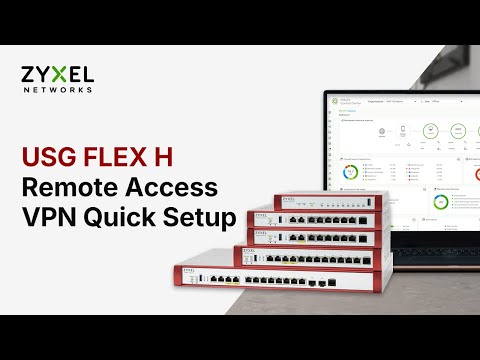
🎥 Learn how to easily set up Remote Access VPN on your Zyxel USG FLEX H series firewall using Nebula Control Center — with a SecuExtender client on Windows
Whether you’re working from home or managing a small business network, this step-by-step video walks you through everything from IT-side configuration to remote user connection — all managed through the cloud with Nebula.
🔒 What you’ll learn in this video:
• How to configure Remote Access VPN in Nebula
• How to export and install VPN profiles
• How remote users connect from outside the office
• How IT admins verify successful VPN login in Nebula
✅ Applies to:
USG FLEX H series firewalls
Download SecuExtender IPSec VPN software: https://www.zyxel.com/global/en/support/download?model=secuextender-vpn-client
Explore SecuExtender VPN:
https://www.zyxel.com/products_services/IPSec-and-SSL-VPN-Client-SecuExtender-VPN-Client/
Any questions, feel free to drop us a message on the security forum: https://community.zyxel.com/en/categories/security
![[Podcast] Need a Smarter Way to Secure Your Network?](https://videos.sebae.net/wp-content/uploads/2025/03/hqdefault-504.jpg)