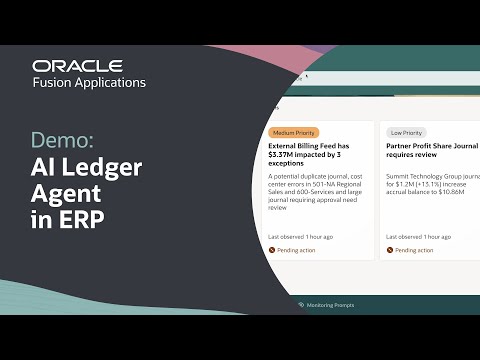
Transform how you analyze your data—create dynamic visualizations in seconds using natural language search in Oracle Fusion AI Data Platform. Discover more tutorials and resources to deepen your analytics expertise at the links below
In this hands-on tutorial, learn how to use the search bar in Oracle Fusion AI Data Platform to generate powerful visualizations simply by typing natural language questions. Without the need to build workbooks or locate datasets, users can visualize metrics like transaction quantity by week—just by asking, for example, “create a bar chart of transaction quantity by week for last summer.” The walkthrough covers selecting and switching data sources, customizing visualization types, and adding insights to your Watchlists, equipping you to create ad hoc charts quickly and efficiently. By mastering this capability, you can streamline data exploration, gain immediate insights, and enhance your team’s reporting agility. For detailed guidance and Oracle Analytics training from beginner to expert, refer to the resource links above.
Please note: Oracle Fusion Data Intelligence (FDI) is now called Oracle Fusion AI Data Platform (FAIDP). All content remains the same, only the product name has changed.
Find training paths for Oracle Analytics and AI from beginner to advanced and expert: https://social.ora.cl/6009hJQTJ
Check out detailed instructions on how to use the search bar to find your content: https://social.ora.cl/6005hJQpX
Like what you learned about Oracle Fusion AI Data Platform? Subscribe now https://social.ora.cl/60025k87j
Join us at Oracle AI World: https://social.ora.cl/60035eVvJ
Contact AIDP sales: https://social.ora.cl/6003FLUMT
Learn more about Oracle AIDP: https://social.ora.cl/60047h76Q
Join the Oracle AIDP Community: https://social.ora.cl/60087h7Bj
Follow us here:
LinkedIn: https://social.ora.cl/60035eXuF
X: https://social.ora.cl/6008abVgG
Instagram: https://social.ora.cl/60095eXDN
Facebook: https://social.ora.cl/60065enQp