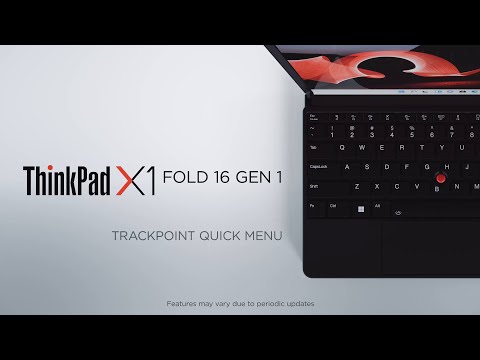
Close Advertising Lenovo ThinkPad X1 Fold 16 Gen 1 – How to use TrackPoint Quick Menu Like About Share0 views0% 0 0TrackPoint Quick Menu, a clickable app, offers rapid access to Camera, Microphone, and Haptic Touchpad functions. You can launch the app quickly by double tapping the TrackPoint pointing stick. Date: November 3, 2023Lenovo clickable Menu offers quick TrackPoint Share on Facebook Share on X Share on LinkedIn Share on Reddit Share on Odnoklassniki Share on VK Share by emailRelated videos 2K 91% Why Lenovo Power | Portable Power Performance 5K 97% Why Lenovo Power | Introducing Lenovo 140W Smart Laptop Power Bank 6K 92% How to use AI to Kick Off an Idea 8K 92% Meet Lenovo Leader John Stanley 2K 97% Lenovo Legion Monitors – Reach your Impossible 3K 94% Lenovo Evolve Small + Doggie Goddess Pet Services 5K 98% Low Light Photography on the Motorola Edge 40 Neo #shorts #cameratricks #photography 3K 91% Empowering Education: Hillsborough Township’s Success with Lenovo Chromebook Plus Extended Cut Show more related videos

3K 91% Empowering Education: Hillsborough Township’s Success with Lenovo Chromebook Plus Extended Cut