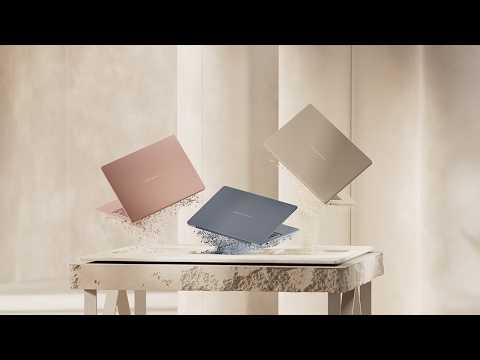
In this video, we will show you how to disassemble and reassemble the ASUS Chromebook CZ12 (CZ1204C) / CZ12 Flip (CZ1204F).
Applicable models: [CZ1204CM4A, CZ1204FM4A]
CAUTION!
1. The tools featured in this video are presented solely for demonstration purposes and do not constitute any endorsement, brand promotion, or commercial partnership.
2. Actual machine parts may differ from those shown in the video due to variations in materials and specifications.
3. Before starting any disassembly, please ensure that all components are installed according to the video instructions. Proper installation prevents damage that could affect your warranty.
Additional Resources:
How to Search Driver,BIOS and Manuals?
https://www.asus.com/support/FAQ/1035376
00:00 Opening
00:35 Pen(By SKU)
01:24 Keyboard Module
05:01 Touchpad Module
06:56 LTE(By SKU)
08:39 WLAN Card
10:10 Battery
13:05 Speaker
14:38 Stylus Pen Cable & Camera Module(By SKU)
16:46 Main Board
19:30 LCD ASSY
21:58 USB Board
23:01 AUX Antenna
24:24 LCD Module(For Touch SKU)
31:16 LCD Bezel(For Non-Touch SKU)
33:47 LCD Panel(For Non-Touch SKU)
38:04 LTE Antenna(By SKU)
42:19 Hinge
44:40 Camera
46:24 Main Antenna
47:48 LCD Cover
48:03 Bottom Case
48:12 ending
#asus
#asussupport
#disassemble
#assemble
#teardown
#chromebook