Who is on your WiFi right now? You can check who is connected to your WiFi in under a minute, straight from your router app. No tools and no tech skills needed.
This guide shows you how to see every device connected to your WiFi, how to tell which ones are yours and which are not, how to remove an intruder, and how to keep them out for good. Every step is free and works from the Orbi or Nighthawk app on your phone.
CHAPTERS
0:00 Can You Tell Who Is On Your WiFi?
0:30 How to Check Who Is Connected
1:30 How to Spot a Device That Is Not Yours
2:20 How to Remove Them and Lock the Door
3:10 How to Keep Them Out for Good
4:00 Your Questions Answered
4:40 Check Your Router App Today
WHAT YOU WILL LEARN
– How to check who is connected to your WiFi using your router app
– How to tell which devices are yours and which are intruders
– The warning signs that someone is using your WiFi without permission
– Why changing your WiFi password forces every unknown device off at once
– How to turn on WPA3 and switch off WPS so intruders cannot return
– How to set up a guest network so visitors never touch your main network
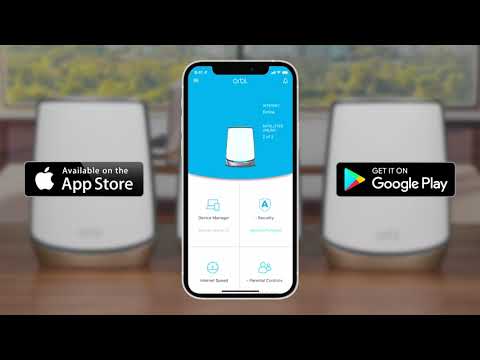
Get the app to check your own network:
Nighthawk app: https://www.netgear.com/home/services/nighthawk-app/
Orbi app:https://www.netgear.com/home/services/orbi-app/
Full home network security guide:
:https://www.netgear.com/hub/network/security/common-home-wifi-threats/
Like this video and subscribe for more NETGEAR home network guides.
#NETGEAR #WiFiSecurity #HomeNetwork #Nighthawk #Orbi