Learn how to set up the Ring Battery Doorbell Plus (2nd Gen) step by step. This complete tutorial covers unboxing, Ring App setup, battery charging, and installation.
Learn more about Ring Battery Doorbell Plus (2nd Gen) here: https://ring.com/products/battery-doorbell-plus-2nd-gen
Frequently Asked Questions:
Q: What is the difference between 2.4GHz and 5GHz WiFi on the Ring Battery Doorbell Plus?
A: The Battery Doorbell Plus (2nd Gen) supports both 2.4GHz and 5GHz bands via WiFi 6. The 5GHz band delivers faster Live View loading and more stable Retinal 2K video streaming. Connect to 5GHz if your router supports it and is within range.
Q: How do I charge the Ring Battery Doorbell Plus (2nd Gen)?
A: This model uses a Quick Release Ultra Battery Pack with a USB-C port for faster charging. You can slide the battery out without removing the doorbell from the wall, no tools needed.
Q: Can the Ring Battery Doorbell Plus see packages on the ground?
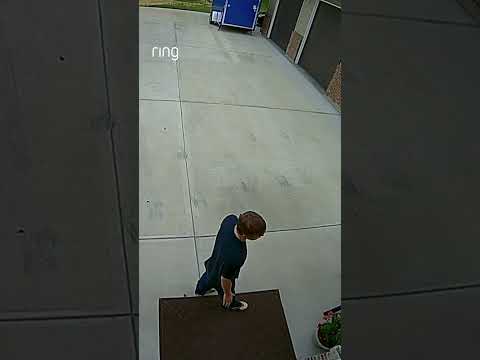
A: Yes. The 140° Head-to-Toe field of view captures everything from a visitor’s face down to packages at the base of your door.
Q: Can I install the Ring Battery Doorbell Plus without wiring?
A: Yes. The doorbell runs entirely on its rechargeable battery. No existing doorbell wires required.